
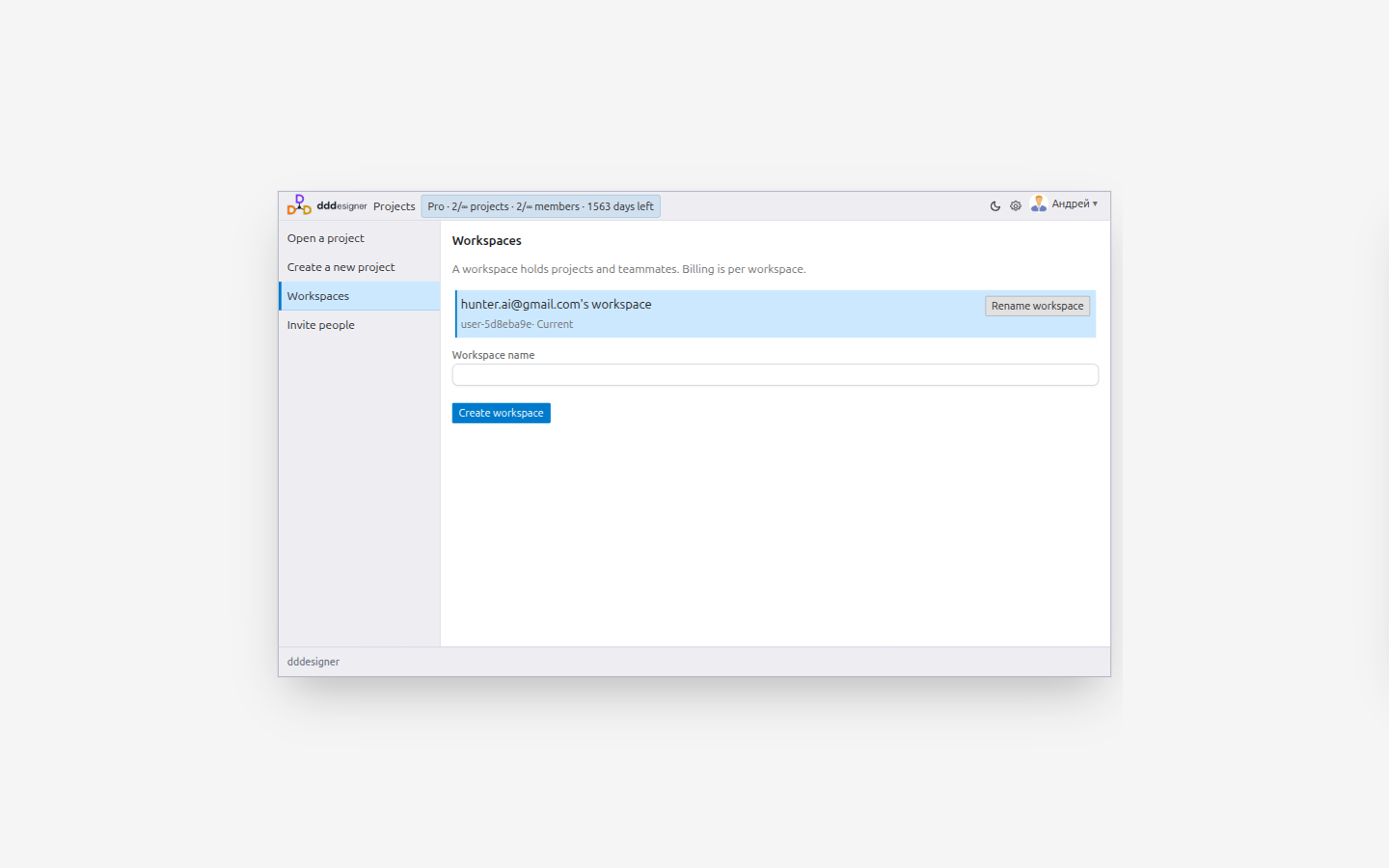
A workspace is the shared tenancy where your team collaborates: projects, members, and subscription. A project is one design model (diagram) inside that workspace.
Workspace and projects
From the home screen you can:
- create a workspace;
- rename it (workspace admin);
- switch the active workspace;
- create and open projects.
Open a project to enter the design IDE (/projects/…/workspace in the browser address bar). That route is the editor, not a separate “workspace” product concept.
Invite people
- Open the project.
- Go to Tools → People.
- Send an email invitation with a role:
| Role | Access |
|---|---|
| Architect | Full modeling and settings |
| Developer | Modeling for implementation work |
| Viewer | Read-only |
Active participants appear in the title bar.
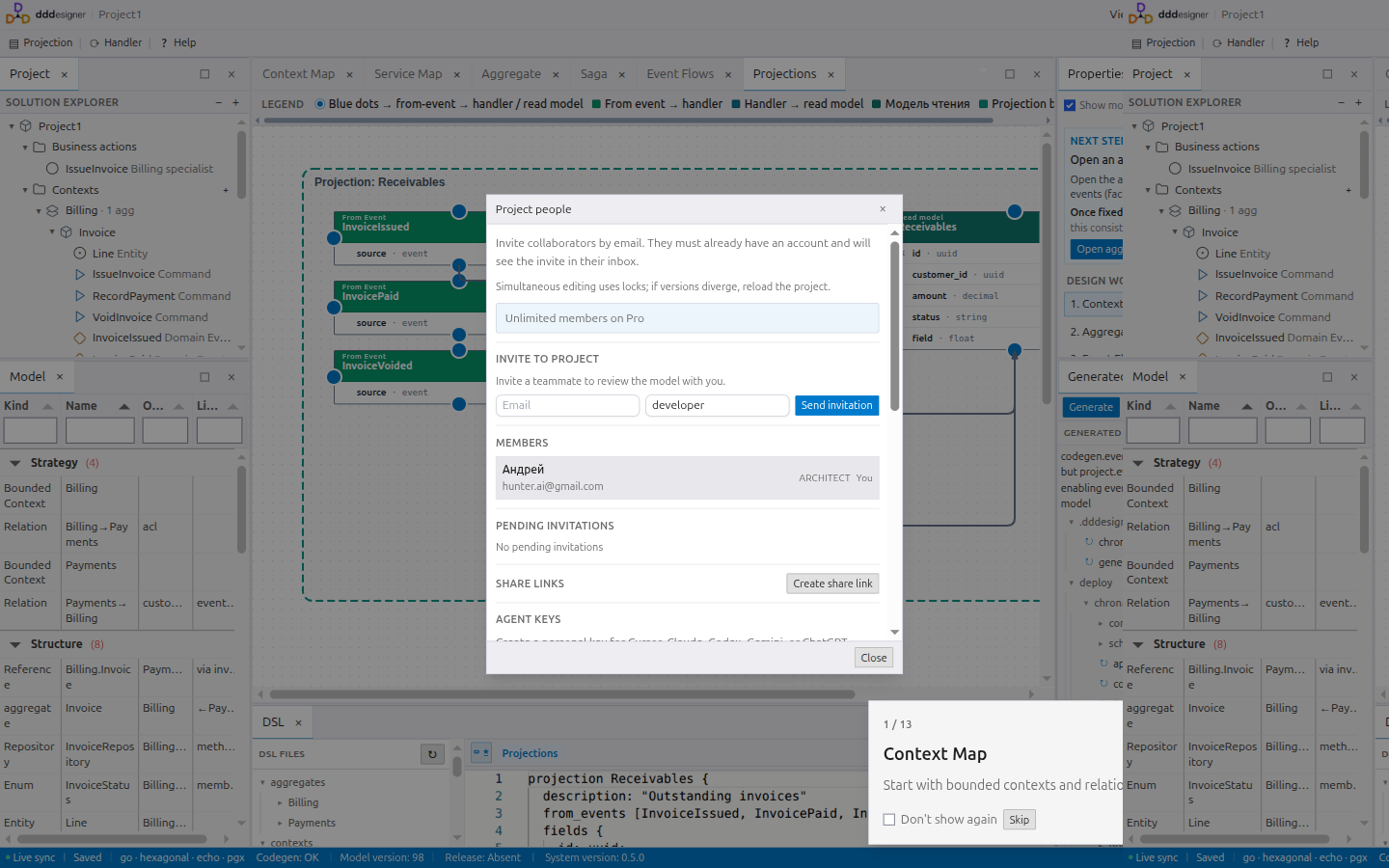
The same People dialog holds Agent keys for external AI assistants. See Working with AI.
Practical tips
- Keep one workspace per product team or billing account; use projects for systems or bounded-product slices.
- Prefer Viewer for stakeholders who should not change the model.
- Revoke access when someone leaves the team.
Next steps
- Modeling — build the domain model
- Working with AI — issue an agent key for a project
Contents