
DDDesigner is a visual workspace for Domain-Driven Design. You model Bounded Contexts, Aggregates, Commands, Events, Projections, and Sagas in one place, then generate code when the model is ready.
1. Create an account
Open app.dddesigner.com/register and create an account. After sign-in you land in your workspaces list.
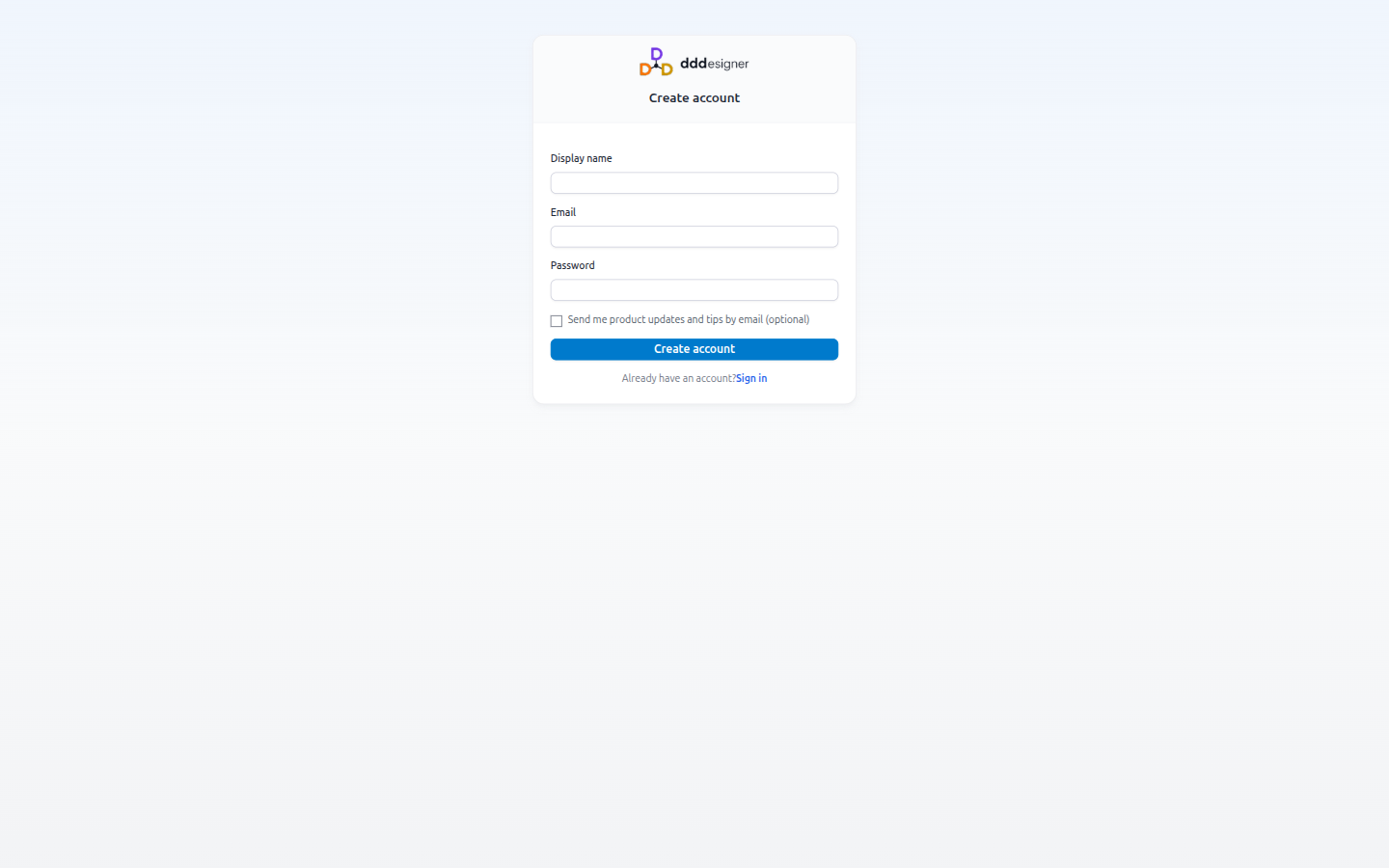
Already registered? Use Sign in.
2. Create or open a workspace
A workspace is the shared place for billing, members, and projects. Create one when you first join, or switch to an existing workspace from the home screen.
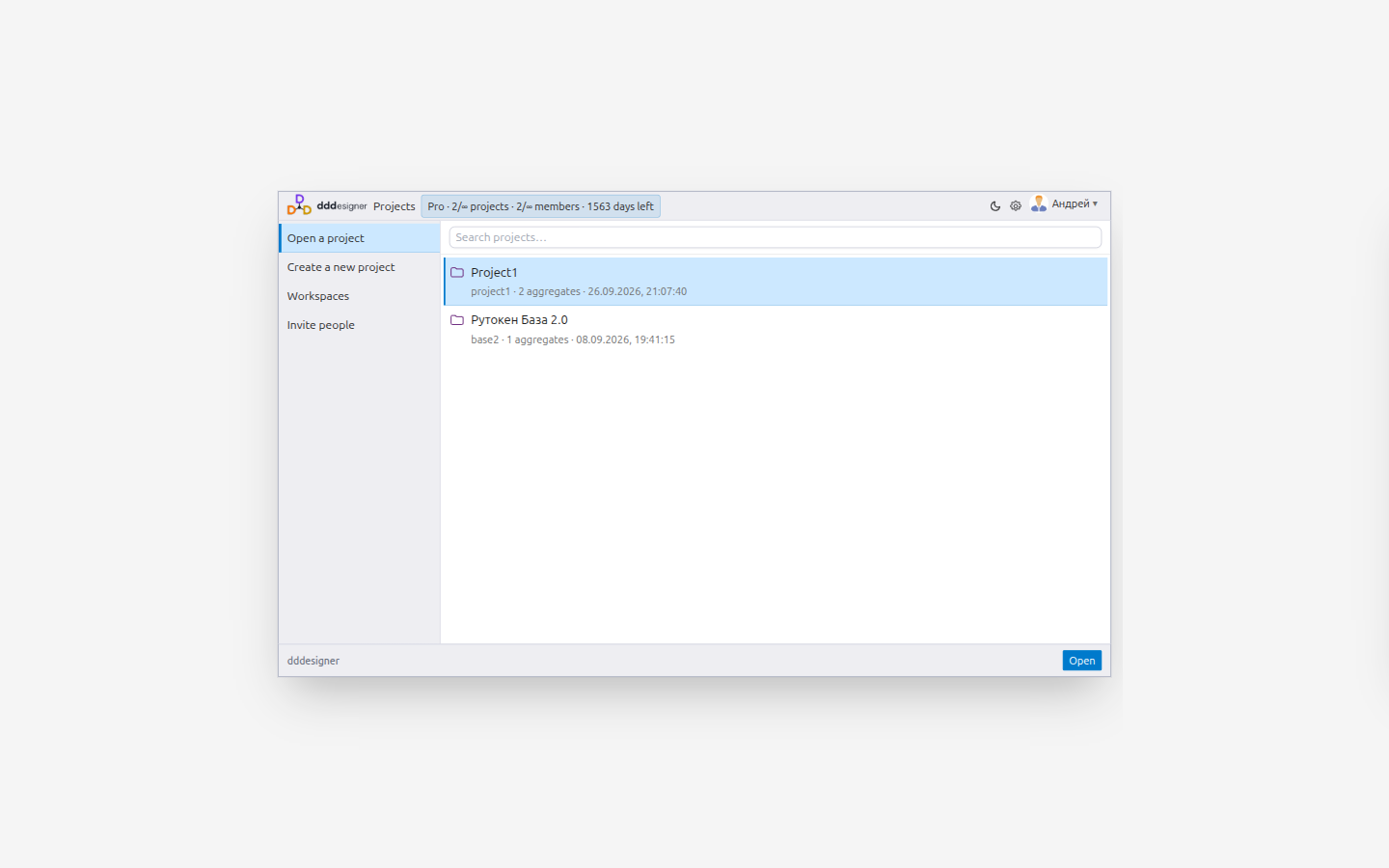
Inside a workspace, create a project (your design model). Opening a project loads the design IDE.
3. Orient yourself in the project
Typical first panels:
| Panel | Use it for |
|---|---|
| Context Map | Strategic boundaries and relationships |
| Event Storming | Domain exploration with events, commands, actors |
| Aggregates | Tactical design: root, commands, events, invariants |
| Projections | Read models (CQRS) |
| Generated Code | Language stack and generation |
| Tools → People | Invites and agent keys for AI assistants |
The in-app ? control on the toolbar opens concise help for the current view.
4. Recommended first path
- Sketch contexts on the Context Map.
- Capture domain flow with Event Storming.
- Turn hotspots into Aggregates (commands and events).
- Add a Projection for a list or detail screen.
- Open Model Health / diagnostics and clear errors.
- Configure codegen and run Generate when you need scaffolding.
For theory and deeper DDD patterns, read the Practical DDD guide. For day-to-day product tasks, continue with Workspaces and Modeling.
Next steps
- Workspaces — members, roles, projects
- Modeling — Context Map, Aggregates, Projections
- Working with AI — agent keys and safe apply cycle