
This page is a task-oriented overview of modeling in DDDesigner. For DDD concepts in depth, use the Practical DDD guide.
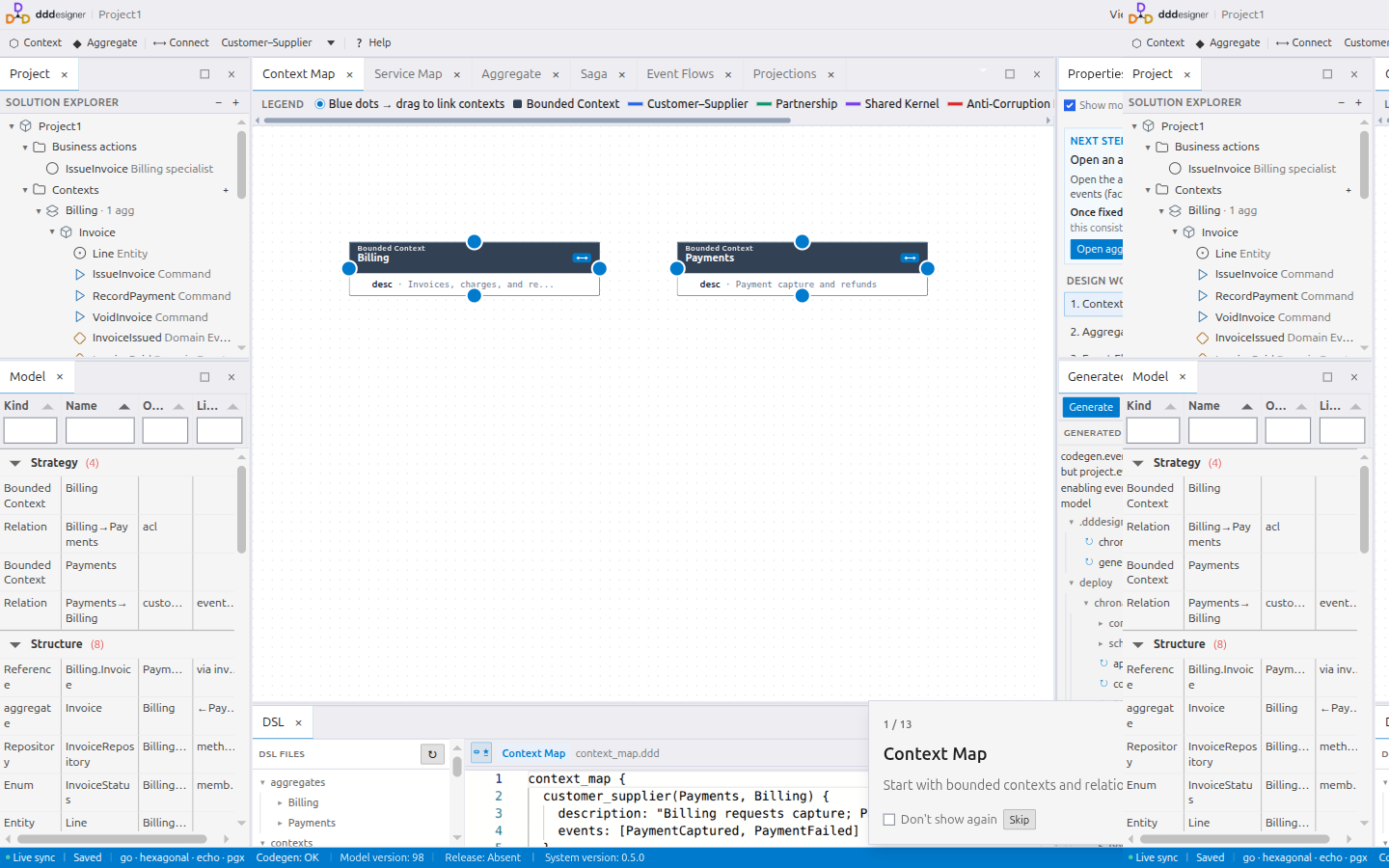
Context Map
Start with strategic design:
- Open Context Map.
- Add Bounded Contexts.
- Draw relationships (for example Partnership, Customer–Supplier, Conformist, Anti-Corruption Layer).
- Keep names aligned with the Ubiquitous Language of each context.
Aggregates
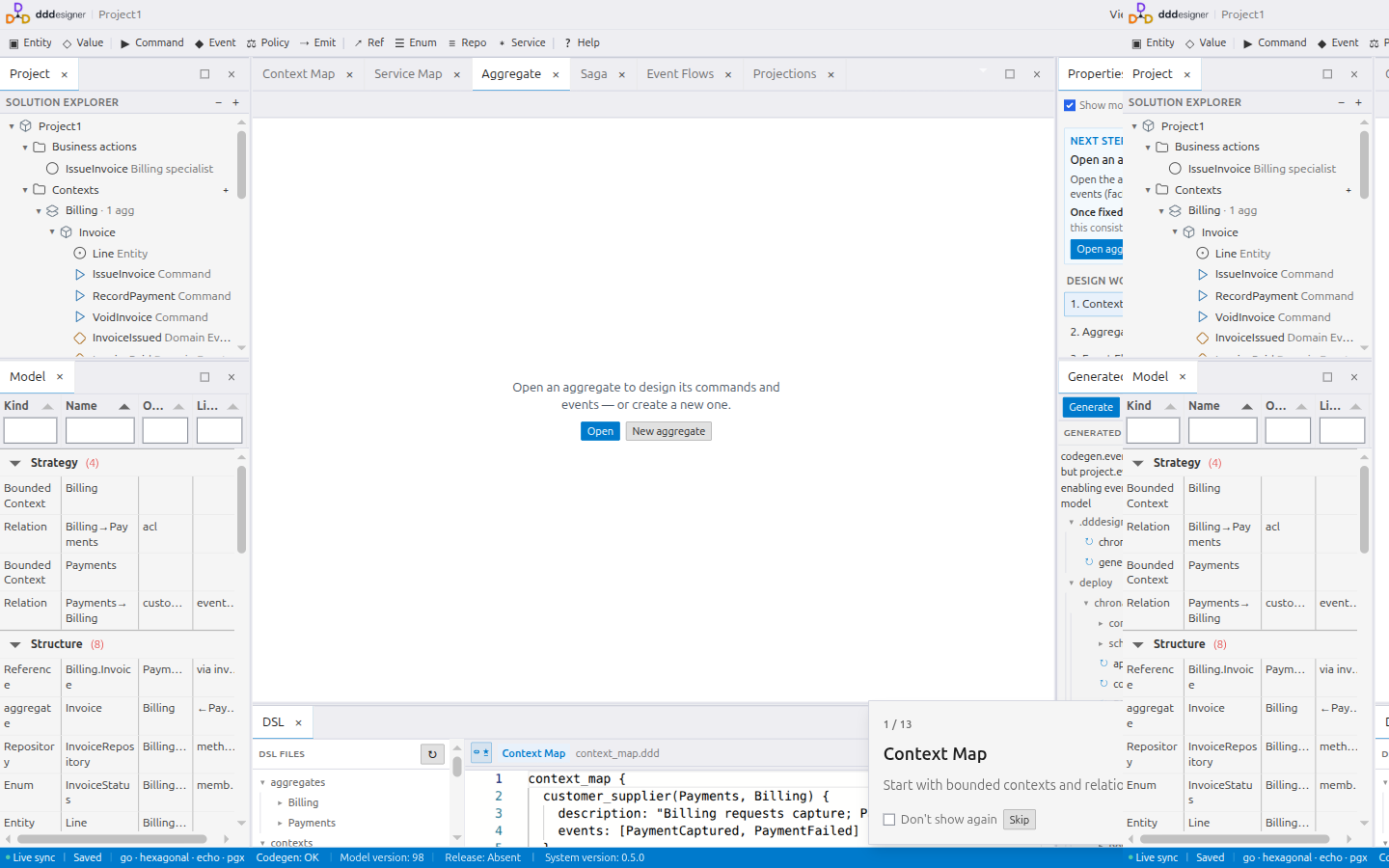
On the Aggregates canvas:
- Create an Aggregate and its root.
- Add commands, domain events, entities, and value objects as needed.
- Declare invariants on the aggregate or value objects.
- Link commands to the events they emit.
Use Event Storming first when the flow is still unclear; then promote sticky findings into Aggregates.
Projections (read models)
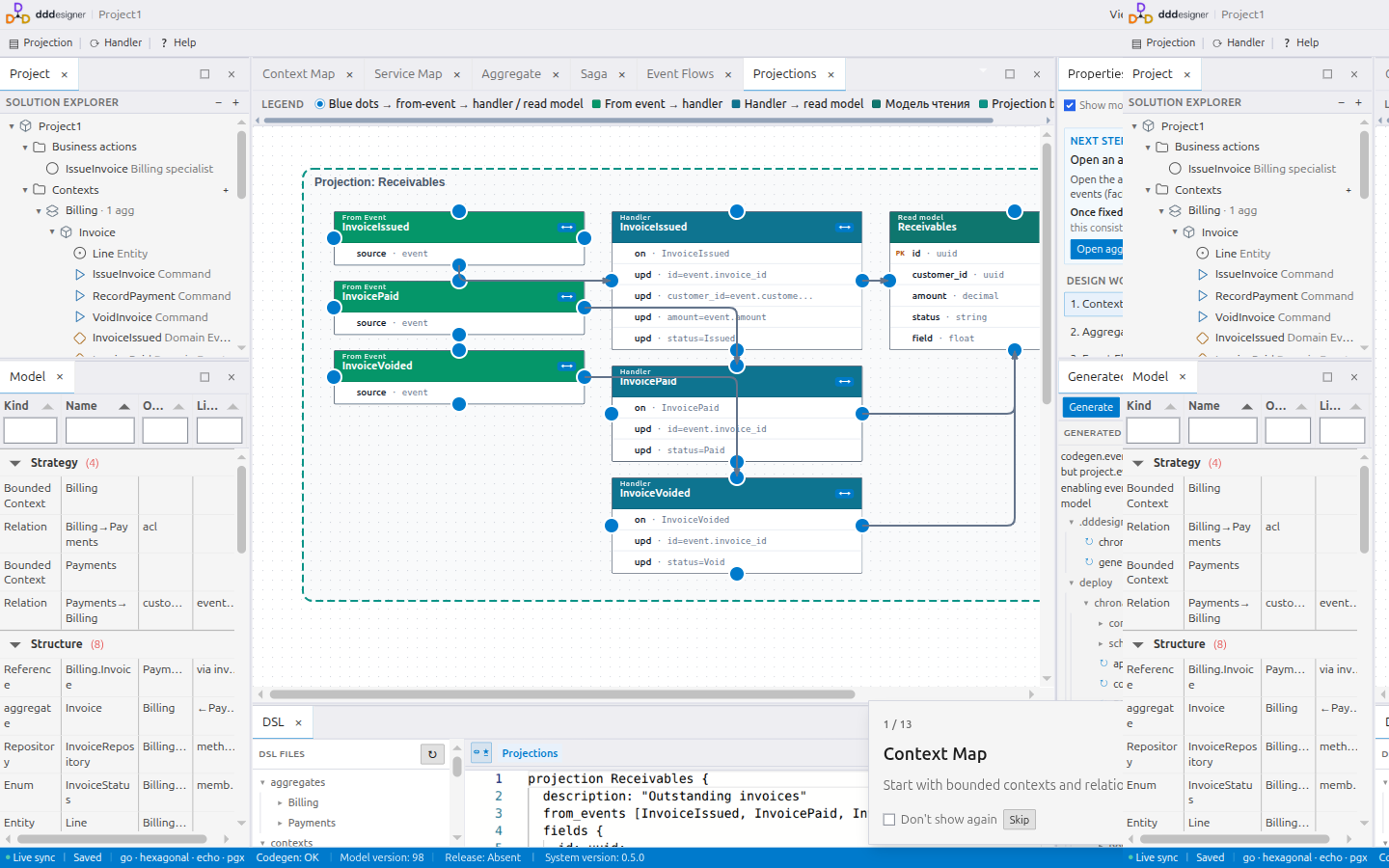
On Projections:
- Create a projection for a screen or query.
- Add attributes (field names and types).
- Add handlers and map updates such as
order_id = event.order_id. - Attributes alone do not define sources — handlers do.
Optional Read model storage → Postgres requires Chronacta event-store codegen. Details live in the Chronacta materials; keep the default storage until you intentionally opt in.
Check model quality
Before generation or sharing:
- Open diagnostics / Model Health.
- Fix blocking errors (missing names, broken references, invalid versions).
- Treat warnings as design debt to clear when you can.
The in-app ? help explains the current canvas view without leaving the editor.
Next steps
- Code generation — choose a stack and generate
- Working with AI — let an assistant propose model changes
- DDD guide — Event Storming, Sagas, Business Actions, and examples
Contents