
DDDesigner generates application scaffolding from your design model. Generation respects the language and adapters you pick in Project properties.
Configure the stack
Open Project properties (codegen stack) and choose:
- language (Go, C#, Java, Kotlin, TypeScript, Python);
- architecture, HTTP, database, messaging, DI as needed;
- optional workflow runtime (for example Temporal for orchestration sagas);
- optional event store (
noneby default; Chronacta is opt-in).
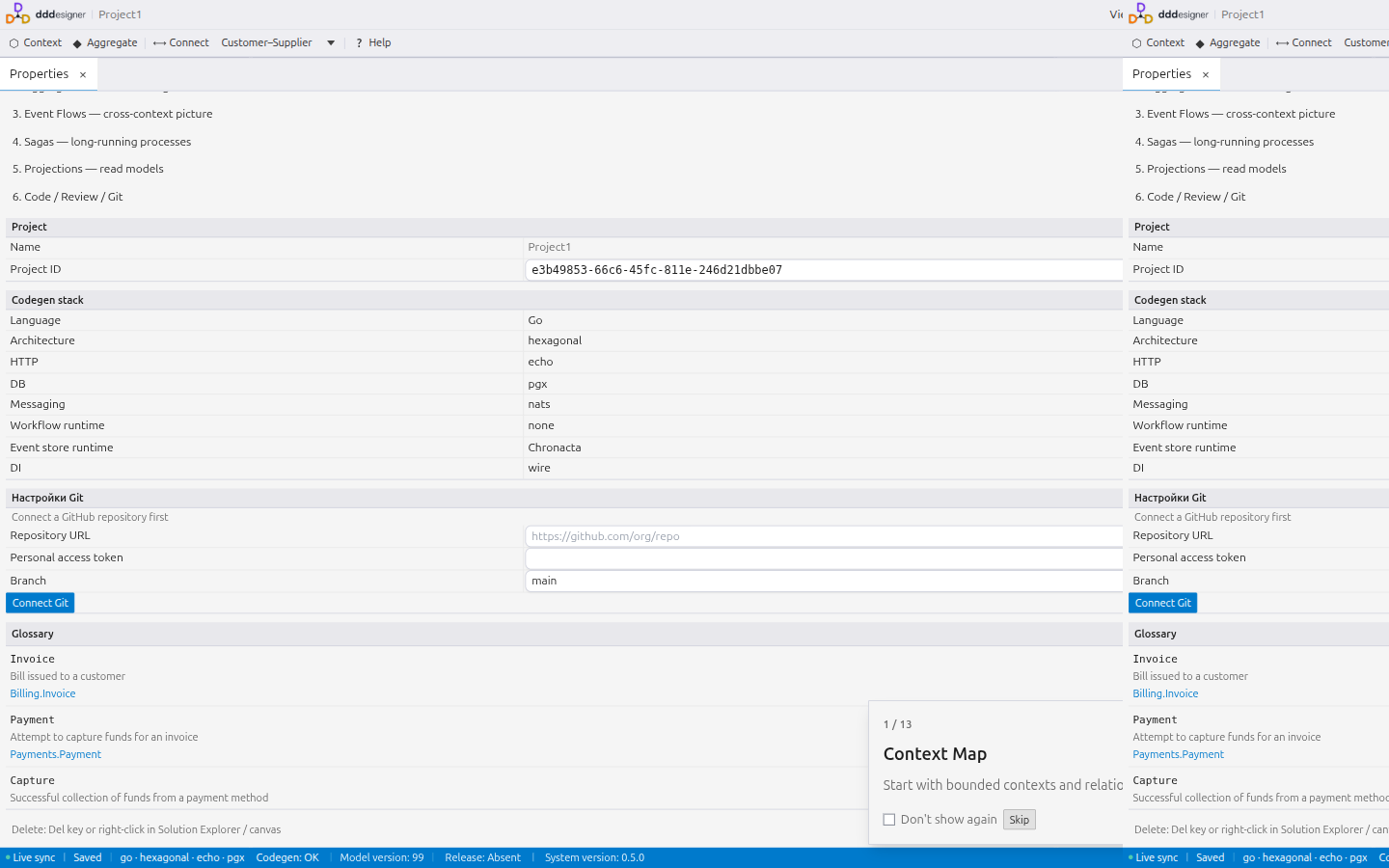
Maturity of each stack is shown in the UI — check it before relying on generated code in production.
Run Generate
- Clear model errors in diagnostics.
- Open the Generated Code panel.
- Click Generate.
- Review the preview, download a ZIP, or push to the connected Git repository when ready.
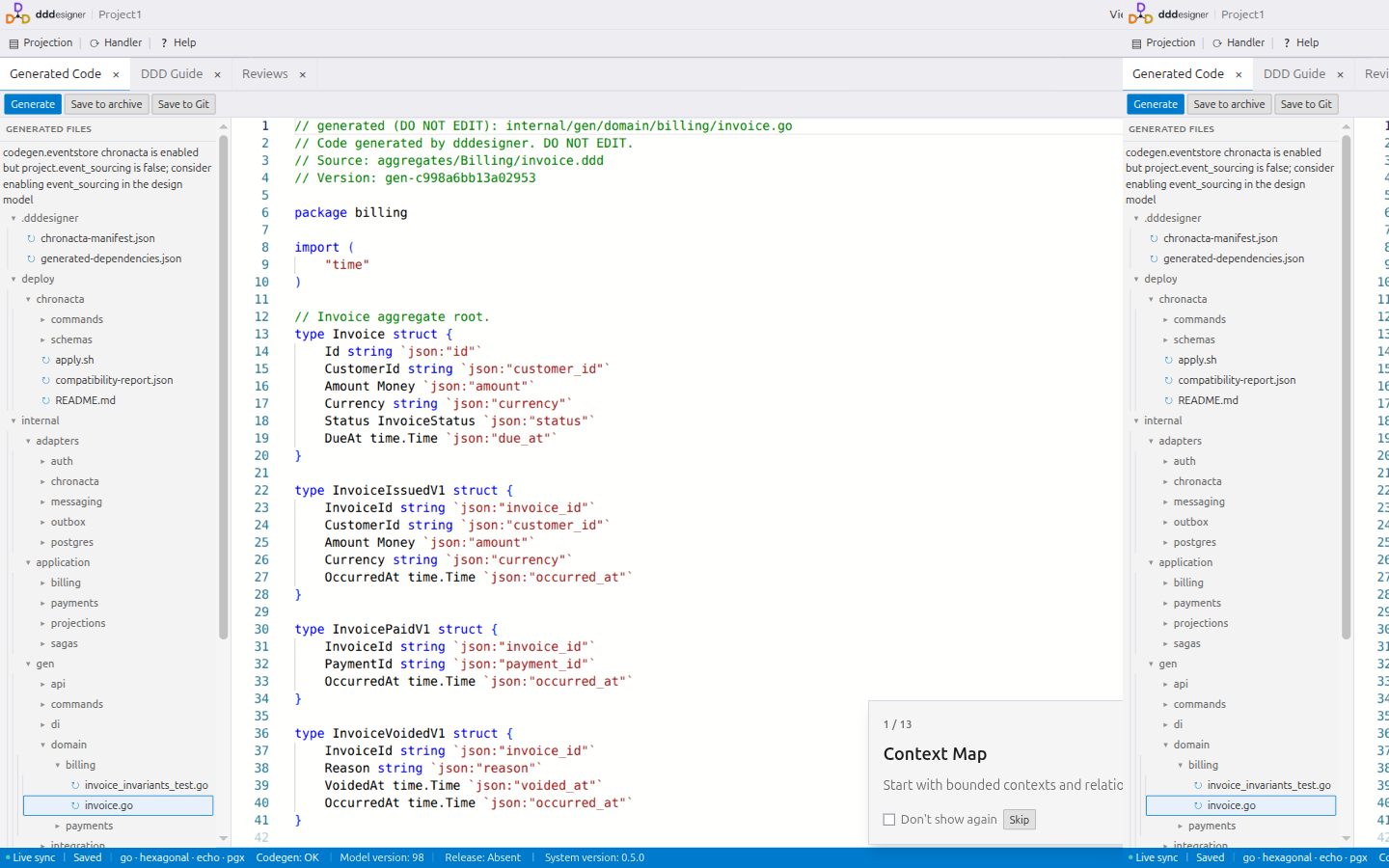
Owned vs scaffold files
| Mode | Behavior |
|---|---|
| Owned | Regenerated and overwritten — contracts and generated libraries |
| Scaffold | Created only if missing — safe for hand-written handlers and adapters |
Read GENERATED.md in the output for a map of paths and ownership.
What generation does not do
- It does not invent missing domain rules — complete Aggregates, Projections, and Business Actions in the model first.
- It does not replace your package manager files; merge dependency hints from
.dddesigner/generated-dependencies.jsonyourself. - Chronacta contracts appear only when
codegen.eventstoreischronacta. Local Chronacta Compose needs a separate deployment flag. Product overview: Chronacta.
Next steps
- Modeling — fix the model before generating again
- Working with AI — fetch selected generated files through MCP
Contents